The machines behind the work, opened up.
Interactive 3D models of the systems Avid works with every day, from the heat pump in a grow house to the AI stack behind our platforms. Turn a dial, watch the physics respond, and leave knowing why it works.
Pick something and take it apart.
 Interactive 3D
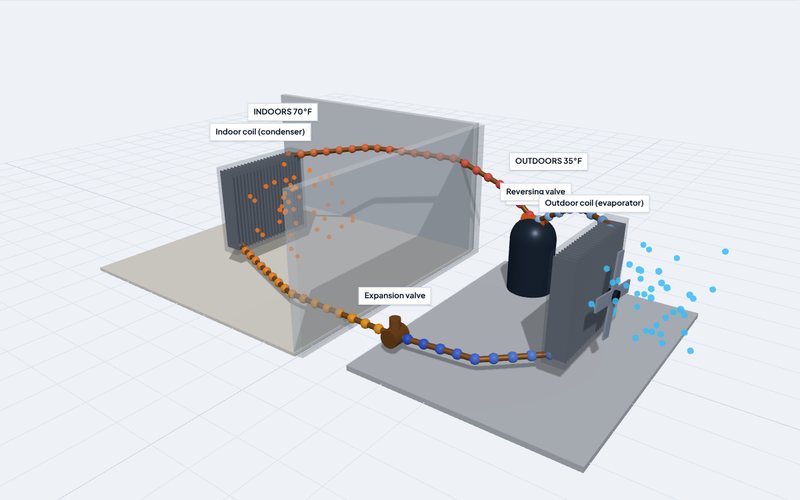
How a heat pump moves heat uphill
Follow refrigerant through a compressor, two coils and an expansion valve, then flip the reversing valve and watch heating become cooling.
Open the model →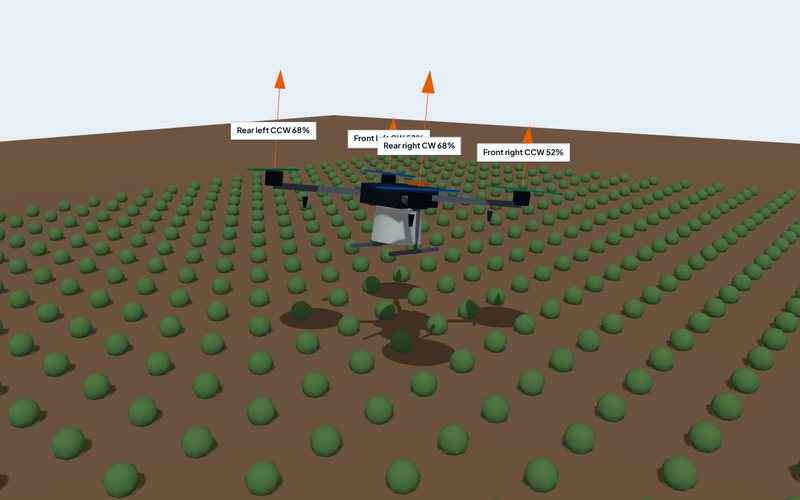 Interactive 3D
How a spray drone steers with four propellers
Push the sticks on a crop spraying quadcopter. See how small speed differences between rotors tilt, turn and lift it, and how altitude sets the spray swath.
Open the model →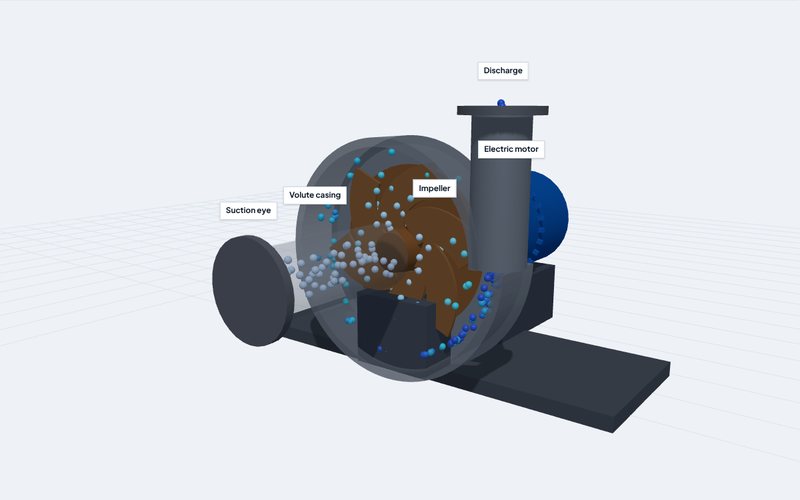 Interactive 3D
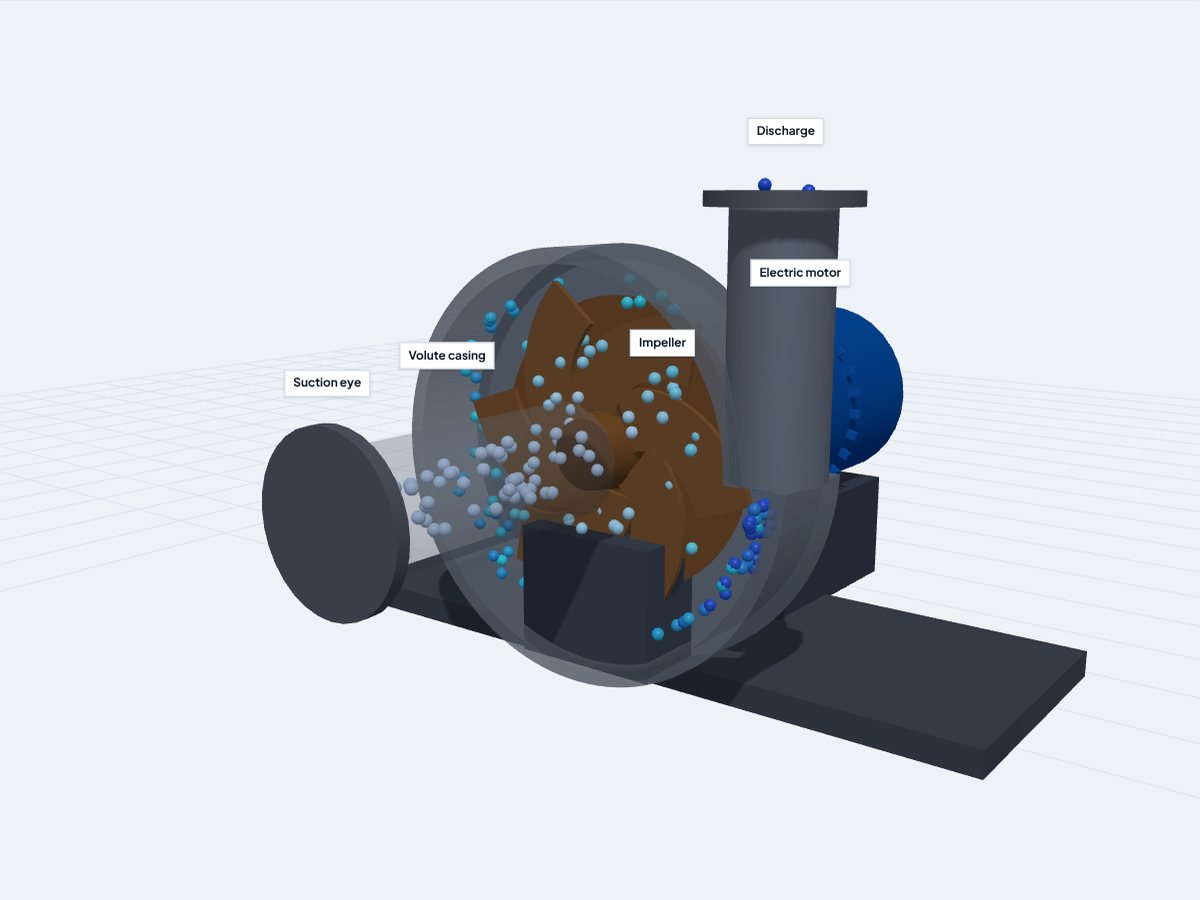
Inside a centrifugal irrigation pump
Open the volute, spin the impeller, and see why a small change in speed makes a big change in power. The affinity laws, live.
Open the model →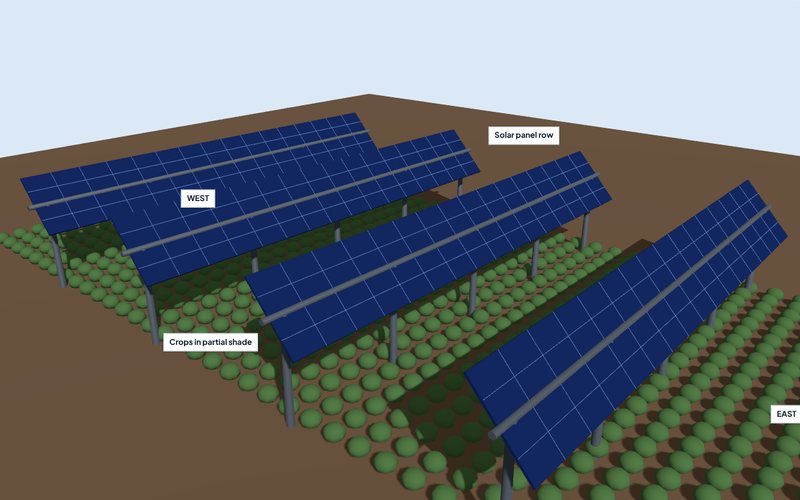 Interactive 3D
Growing crops under solar panels
Move the sun across the sky, tilt the panels, turn on tracking, and see the trade between electricity and shade on the rows below.
Open the model →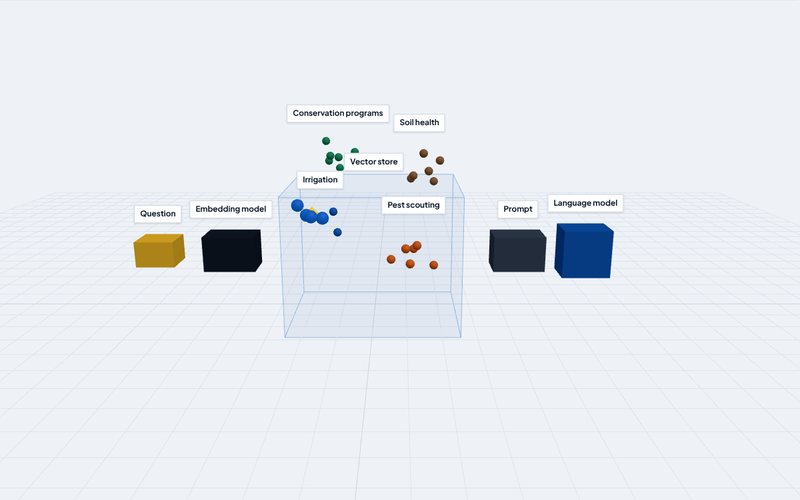 Interactive 3D
How an AI assistant looks things up before it answers
Ask a farm question and watch retrieval augmented generation find the nearest documents in a vector space, then hand them to a language model.
Open the model →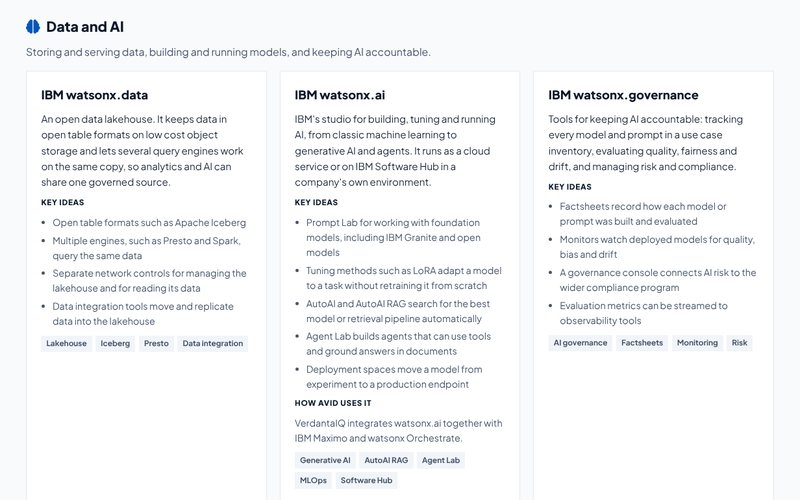 Reference
IBM technology reference
Plain language explanations of the IBM and Red Hat technologies we build with, plus a searchable index of 7,430 IBM Docs pages.
Open the reference →Read the short answer
Every model opens with the explanation in two or three plain sentences.
Change something
Move a slider, flip a mode, or step through the parts one at a time and watch what changes.
Check the source
Each page lists where the facts come from, so you can go deeper or quote it with confidence.
Use these in the room.
The models are built for client meetings, workshops, apprenticeship classes and social posts. Open one on a laptop or tablet, step through it together, and share the link afterward. Every page works on phones.
- Each model lives at
/explore/<name>and shares one viewer,explore/lab.js. - Page copy and sources live in
explore/build/content.py; IBM entries live inibm_catalog.py. - Run
python3 explore/build/build.pyto regenerate the pages after an edit. - Refresh the IBM Docs index from Elmer's library with
explore/build/export_ibm_index.py, then rebuild.